GoHighLevel CRM Tutorial (2026 Guide)
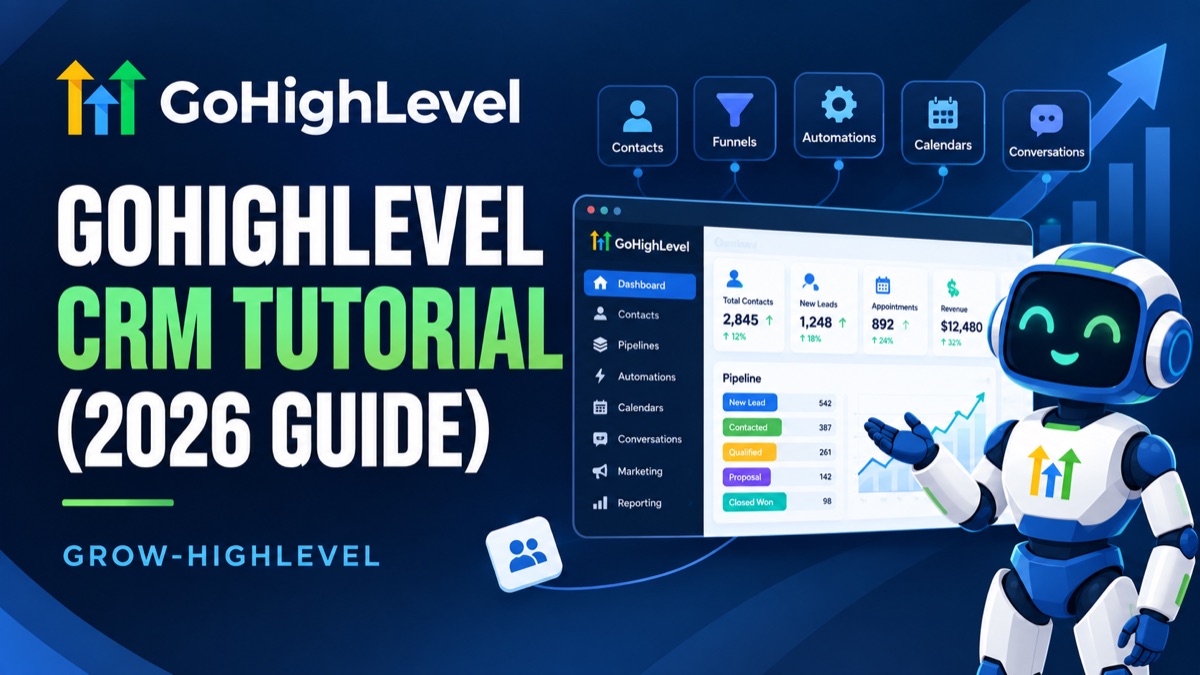
This tutorial is for agency owners and team members who already have a GoHighLevel account and need to actually run it day to day. If your CRM isn't built yet, start with our CRM setup guide first. That guide covers pipelines, tags, and lead routing from a blank account. This one picks up from there: how to actually use the CRM once it exists, the way a VA or account manager would use it every single day.
The Contact Record: Your Single Source of Truth
Everything in GoHighLevel revolves around the Contact record. Every person you talk to, whether they're a lead, a client, or a past customer, gets one unified profile. That profile holds their conversations, appointments, pipeline position, tags, notes, tasks, and custom field data in one place. You never have to jump between a CRM, an email tool, and a calendar to get the full picture on someone. It's all on one screen.
Open any contact and you'll see a timeline of every interaction: calls, texts, emails, form submissions, and booked appointments, in chronological order. This is the first place to check before you reach out to anyone. A quick scan tells you exactly where the conversation left off, so you never ask a question they already answered three messages ago.
The Unified Conversations Inbox
Every text, email, and call tied to a contact lands in the Conversations tab, both on their individual record and in a single unified inbox across your whole account. This is the view your team should live in day to day, not their personal email or phone. Assign a conversation to a specific team member so ownership is clear, and mark it as read or unread the same way you would an inbox, so nothing gets missed at the end of a busy day.
Filter the unified inbox by channel, by assigned user, or by unread status to triage quickly each morning. Agencies running this well treat "inbox zero" on Conversations the same way they'd treat it on email: a daily habit, not an occasional cleanup.
Working the Pipeline
Moving a Deal Through Stages
Pipelines live under Opportunities. Each pipeline is a set of stages a lead moves through, from first contact to closed deal. You move a contact between stages by dragging their card on the board view, or by updating the stage field directly on the contact record. Both do the same thing.
Set up your board so a glance tells the whole story. Most agencies we work with use five to seven stages: something like New Lead, Contacted, Qualified, Proposal Sent, and Won or Lost. Keep the list short. A pipeline with fifteen stages looks thorough on paper, but in practice nobody updates it consistently, and the data becomes useless within a month.
What Triggers When You Move a Stage
Stage changes are one of the most common automation triggers in GoHighLevel. Moving a contact into "Proposal Sent," for example, can automatically fire an email, assign a follow-up task, or start a reminder sequence. This is exactly why getting your pipeline structure right before building automations matters so much. If you rename a stage after workflows are already built around it, those workflows quietly stop firing, often without any error message. Always check what automations are attached to a stage before you rename or delete it.
Reading the Board at a Glance
Most pipeline boards show the deal value and days-in-stage on each card. Use both. A stage with a pile of cards that have been sitting for weeks isn't a healthy pipeline, it's a bottleneck. Reviewing the board for stalled cards, not just new ones, is one of the highest-leverage five-minute habits a pipeline manager can build.
Tags and Smart Lists
Building a Tag Structure That Scales
Tags are how you segment contacts for anything that isn't already covered by the pipeline stage. Lead source, service interest, contract status, and referral partner are all common tag categories. The mistake we see most often is a tag list that grows without any structure: dozens of one-off tags created in the moment, half of them duplicates with slightly different spelling.
Set a naming convention early. Prefix tags by category, like "source: facebook ads" or "status: past client," so related tags sort together and stay easy to find. Review your tag list every few months and merge duplicates before the list gets unmanageable.
Smart Lists vs. Manual Segments
Smart Lists filter contacts automatically based on rules you set, like "tag contains 'past client' AND last activity is over 90 days ago." Once built, a Smart List updates itself as contacts meet or stop meeting the criteria. This beats a manually maintained list every time, since a manual list is only ever as accurate as the last time someone remembered to update it. Build Smart Lists for anything you'll reference regularly: your active pipeline, your re-engagement list, your VIP client list.
Custom Fields: Capturing What Tags Can't
Tags are good for yes/no segmentation. Custom fields are for actual data: a renewal date, a budget range, a policy number, whatever your business specifically needs to track that isn't built into GoHighLevel by default. Set these up once under Settings before you start importing contacts, since retrofitting custom fields onto thousands of existing records is far more work than defining them up front.
Keep the list of custom fields intentional. Every field you add is one more thing your team has to remember to fill in consistently, and an account with sixty custom fields where only twelve are ever actually used is harder to work in than one with a clean, disciplined dozen.
Calendars and Round-Robin Routing
Calendars live under their own settings tab, separate from Pipelines, and control both booking availability and how an incoming appointment gets assigned to a team member. For a solo operator, this is usually just availability windows and buffer time between bookings. For a team, the setting that matters most is round-robin routing: instead of every lead landing on one person's calendar, GoHighLevel rotates new bookings across a defined group of team members automatically.
Set round-robin routing up under the calendar's assignment settings by adding each eligible team member to the rotation. You can weight it evenly or bias it toward specific reps, and combine it with availability rules so someone who's already fully booked that day gets skipped rather than double-booked. This matters more than it sounds like it should: a lead assigned to the wrong person, or one that sits unassigned while a manual handoff happens, is a lead that's had time to lose interest or start talking to a competitor instead.
Reminder sequences (SMS and email nudges before an appointment) live in the same calendar settings and meaningfully reduce no-shows when actually turned on. It's a small setup step that's easy to skip during an initial build and then never circle back to, which is exactly why it's worth confirming as part of the same session where you configure routing itself, not as a separate task for later.
Search, Filters, and Bulk Actions
The search bar at the top of the Contacts view searches name, email, and phone number by default. For anything more specific, like every contact tagged "hot lead" who hasn't been contacted in a week, use the filter panel instead of scrolling manually. Stack multiple filters together (tag, pipeline stage, last activity date) to narrow a list down to exactly who you need.
Once you have a filtered list, bulk actions let you tag, untag, add to a campaign, or assign an owner across every contact in that list at once. This is the fastest way to clean up a messy account. Filter for contacts with no tags at all, then bulk-tag them by source in a single pass instead of opening each one individually.
Tasks and Notes: Never Lose a Follow-Up
Tasks and notes live directly on the contact record, and this is where most follow-up actually gets lost in a growing agency. A note captures context: what was discussed on a call, an objection a client raised, a detail worth remembering next time. A task is an action item with a due date, assigned to a specific team member.
The habit that separates a clean CRM from a messy one is simple: every call ends with a note logged and, if needed, a task created before you move to the next contact. Skip this step even a few times a week and follow-ups start slipping through, quietly, until a client mentions they never heard back.
Set a recurring habit of reviewing overdue tasks at the start of each day, the same way you'd check email. An overdue-task list that nobody looks at is functionally the same as not having tasks at all.
Using the GoHighLevel Mobile App
The mobile app mirrors the desktop CRM: contacts, pipelines, tasks, and conversations are all available from your phone. This matters most for anyone fielding leads outside a desk, a VA covering after-hours messages or a rep between appointments. Push notifications for new leads and messages are the app's biggest advantage. If you're not getting them, check that notification permissions are enabled in your phone's system settings first, since that's the most common cause of a "silent" app.
Biometric login (Face ID or fingerprint) is available after your first successful sign-in, so daily access doesn't mean re-entering a password every time. For a team member who's primarily managing the CRM from their phone, this small setup step is worth doing on day one.
Common CRM Mistakes New Users Make
- Skipping notes on calls, which means the next person to touch that contact has zero context
- Letting the tag list grow with no naming convention, until nobody can find anything
- Manually tracking follow-ups outside the CRM instead of using tasks, which defeats the entire point of having one
- Renaming or deleting a pipeline stage without checking what automations reference it
- Never reviewing Smart Lists after they're built, so segments quietly go stale
- Adding custom fields on the fly instead of planning them before importing contacts
- Letting the unified inbox pile up unread instead of treating it as a daily queue
None of this is complicated once you've done it a few times, but it does take real repetition to become a habit rather than a chore. If your team doesn't have the bandwidth to run this consistently, that's exactly the kind of daily CRM management our GoHighLevel VAs handle full-time, so leads get logged, tagged, and followed up on the same way every single time. Book a discovery call if you'd rather hand this off than manage it yourself.
Our fixed-price audit and sprint start at $197. Everything we build is listed on our GoHighLevel services page.
Related Guides
Ready to Build This Inside Your Own Account?
We've helped 200+ agencies set up, automate, and scale their GoHighLevel accounts, without the trial and error. Whether you need the full build done for you or a specialist placed directly on your team, we can help.